Your conversations, projects and agents – in one native app. Explore Miracles in everyday use. Screens show sample data; Pro and Pulse require a separate purchase and compatible services.
01 / 10
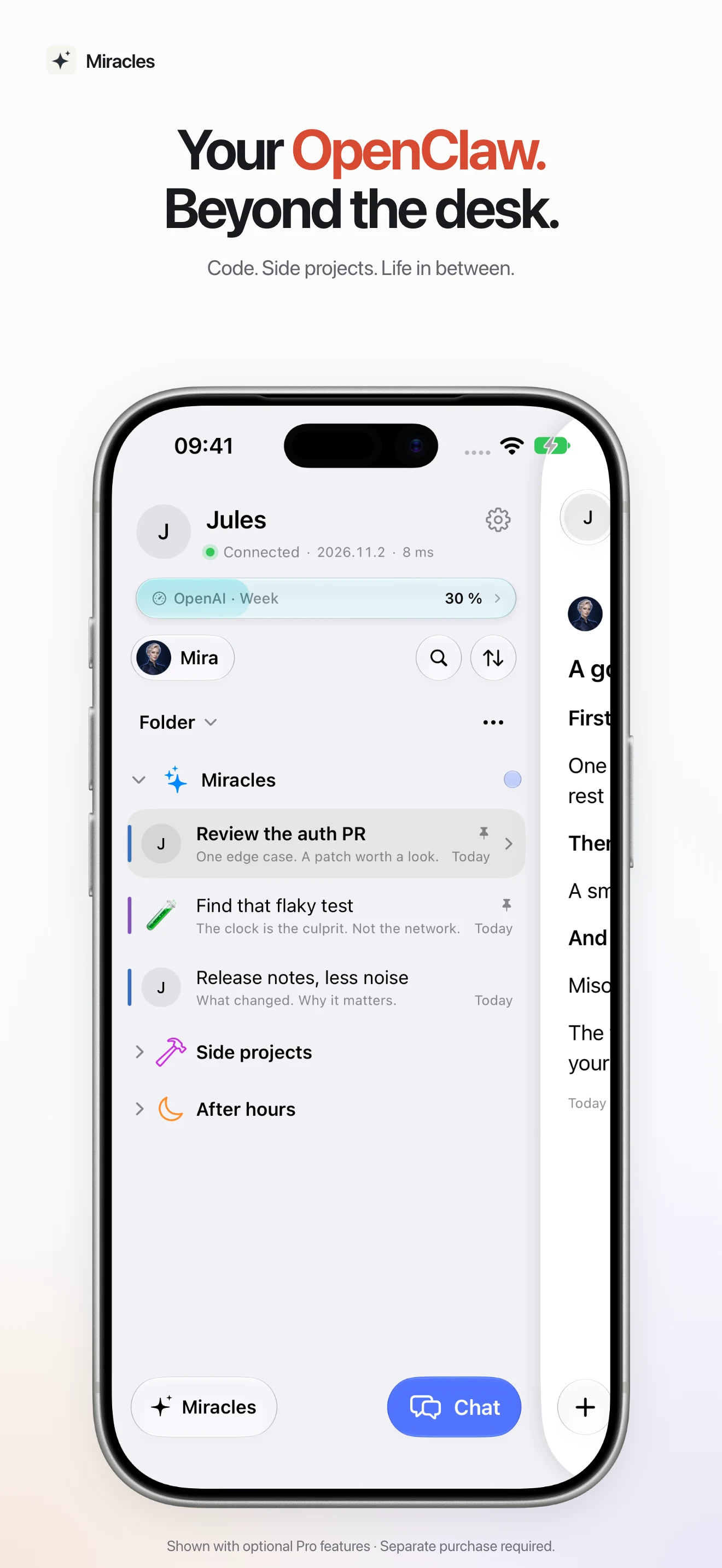
Your OpenClaw. Everywhere.
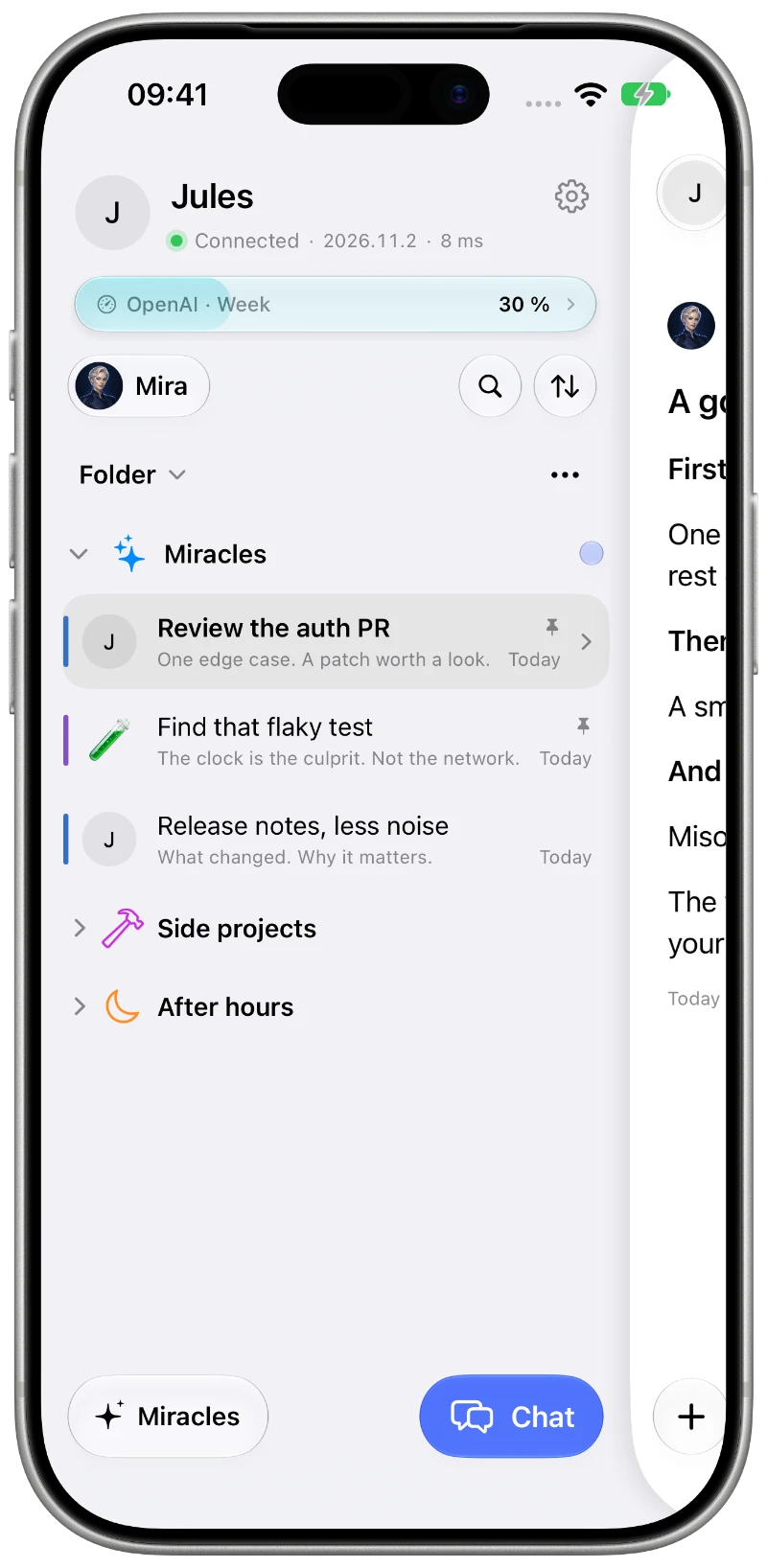
Conversations and projects on the go, shown with optional Pro folders.
02 / 10
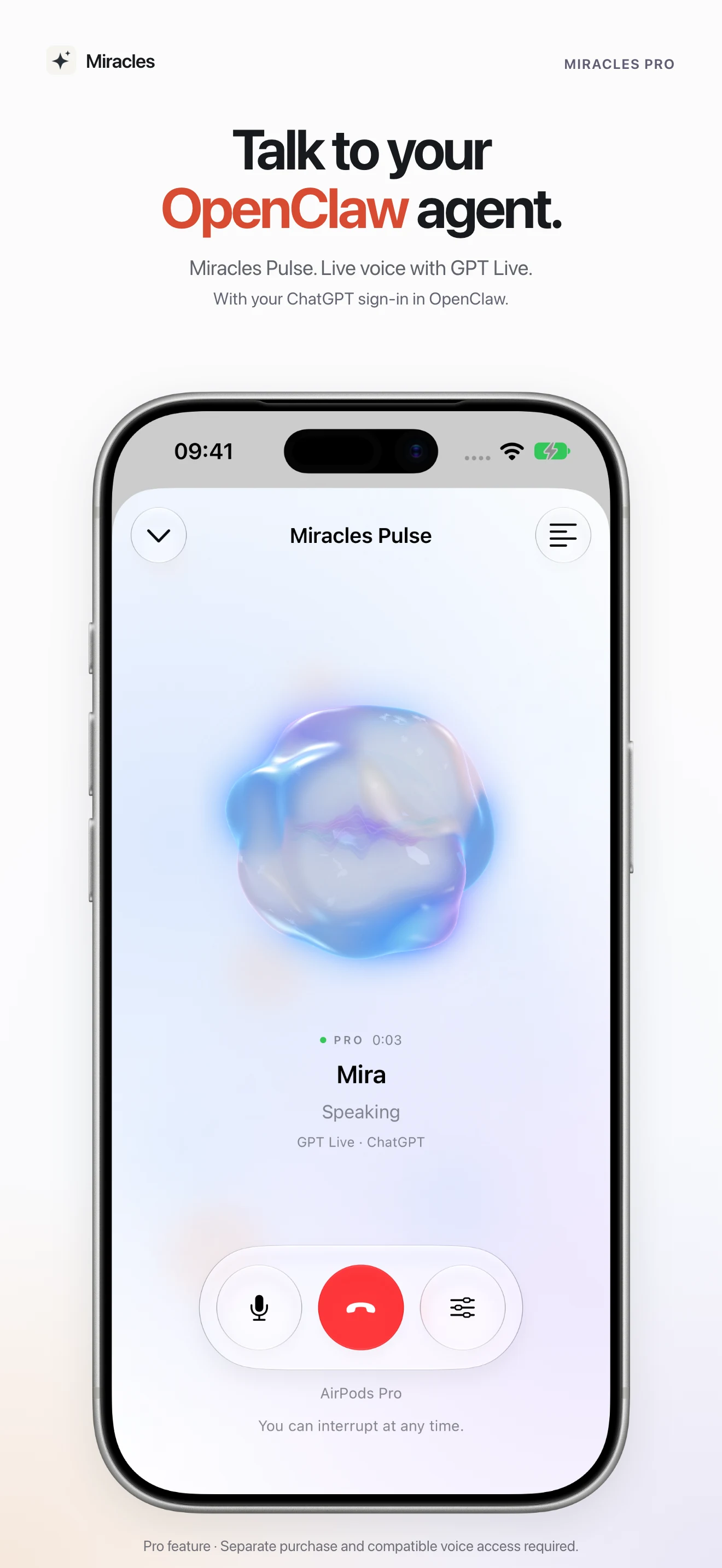
Talk to your agent.
Pulse: requires Pro and a supported OpenAI voice connection.
03 / 10
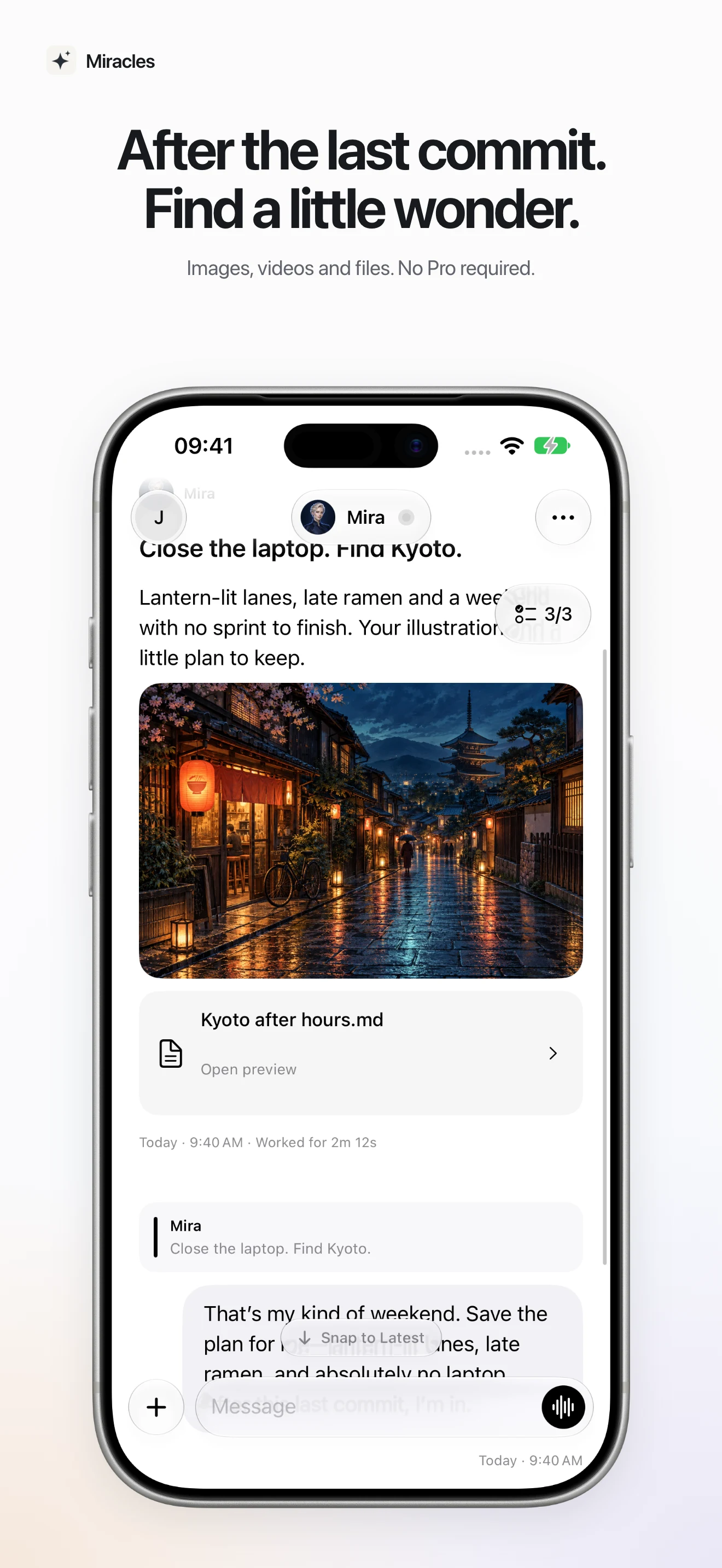
Room for new ideas.
From the next commit to the next trip.
04 / 10
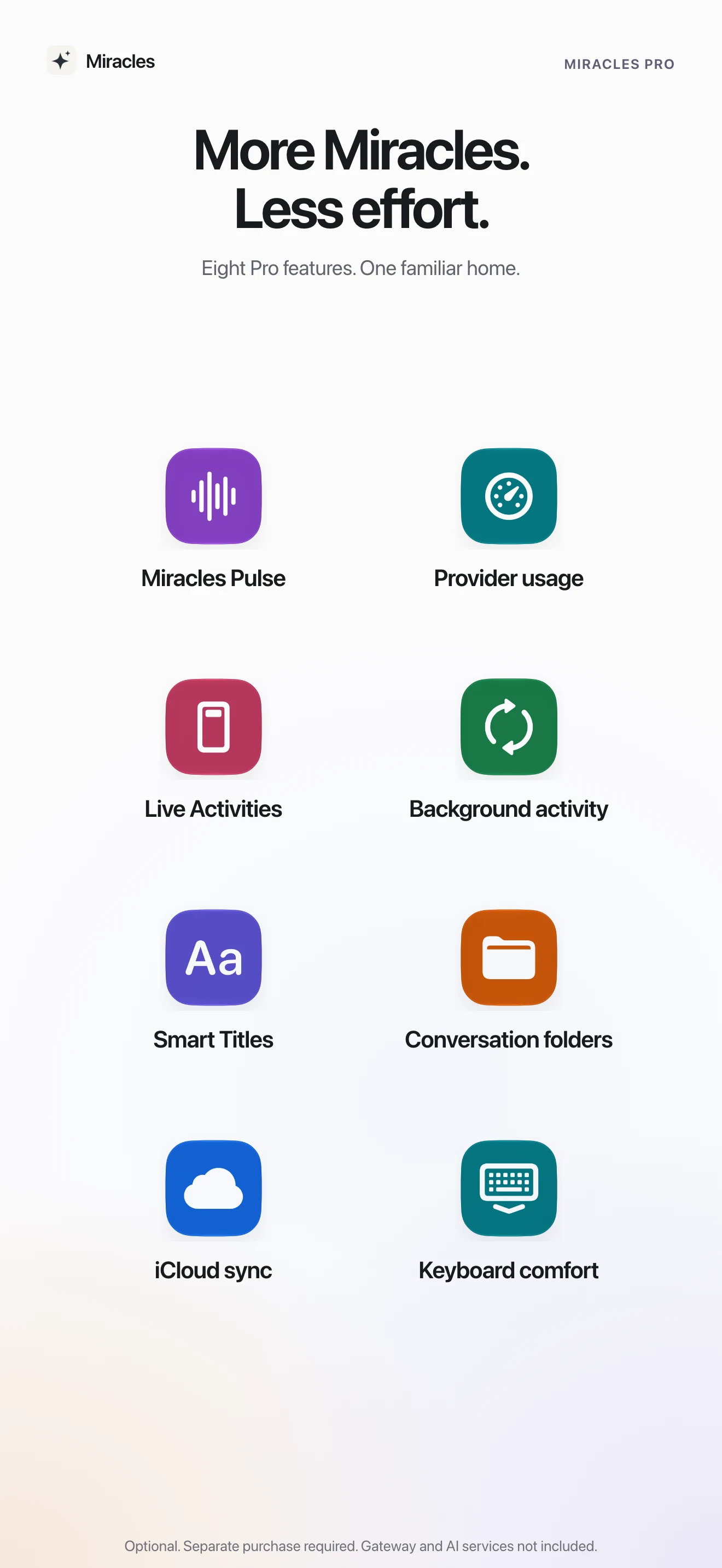
More Miracles. Less effort.
Eight optional Pro features; AI usage and hosting are not included.
05 / 10
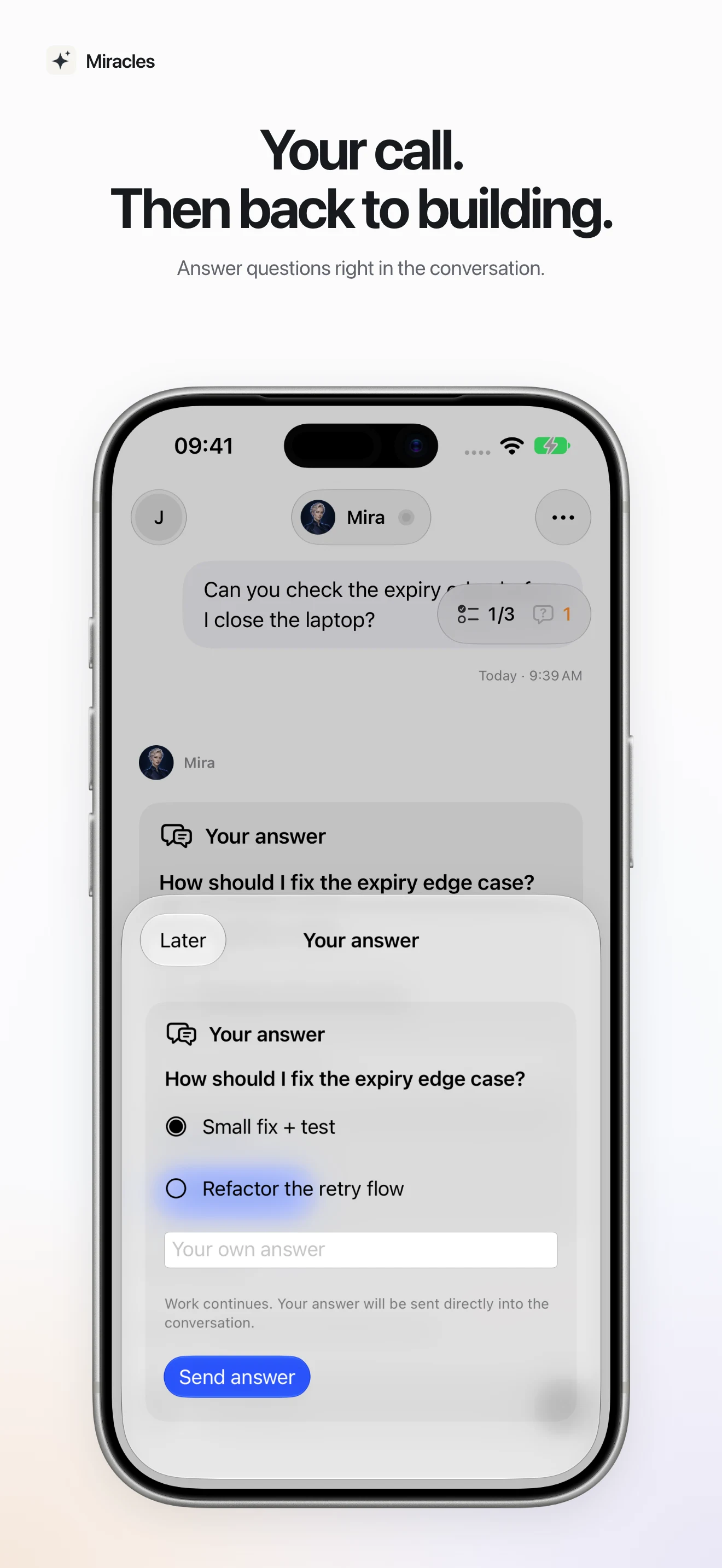
Your decision matters.
Questions and approvals in the context of the work.
06 / 10
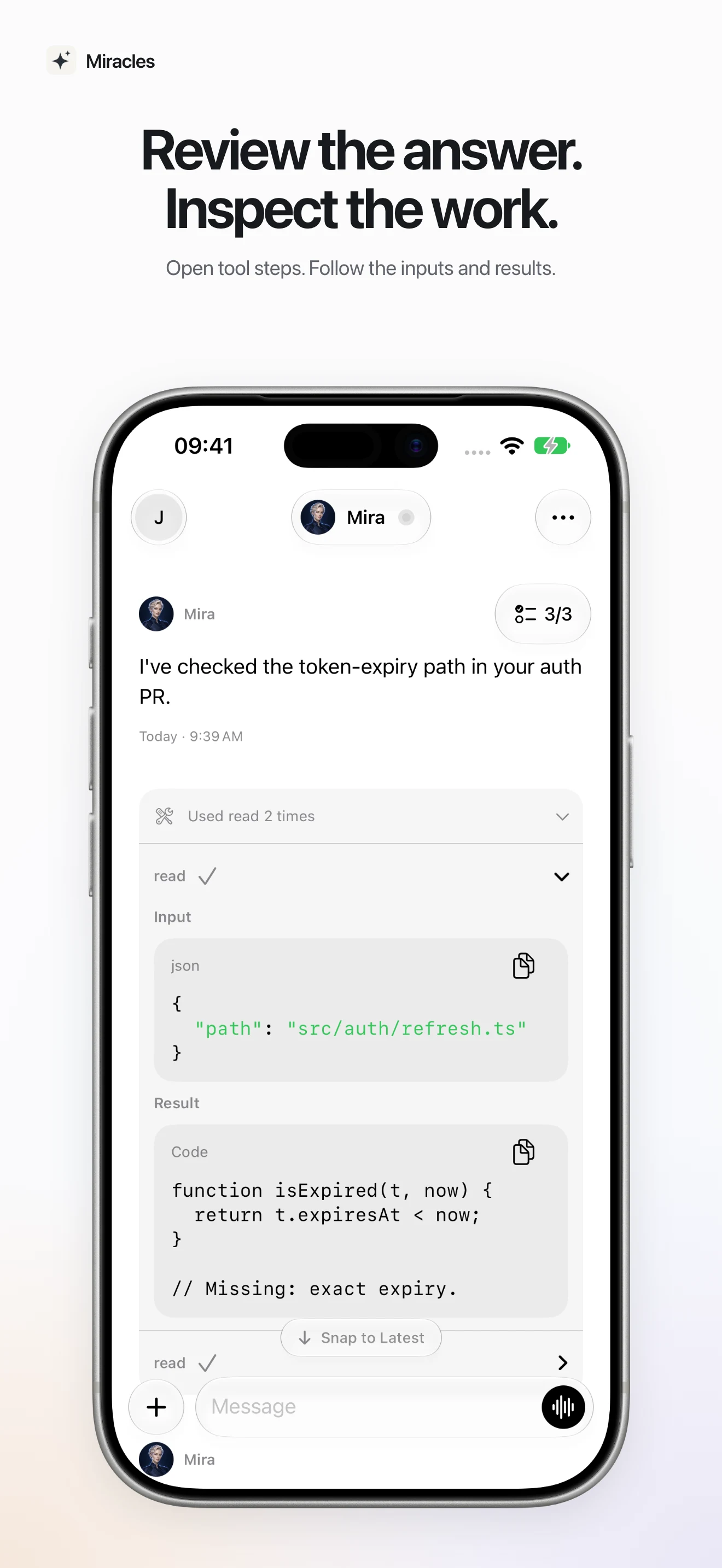
Understand the path.
Inspect tools and their published results.
07 / 10
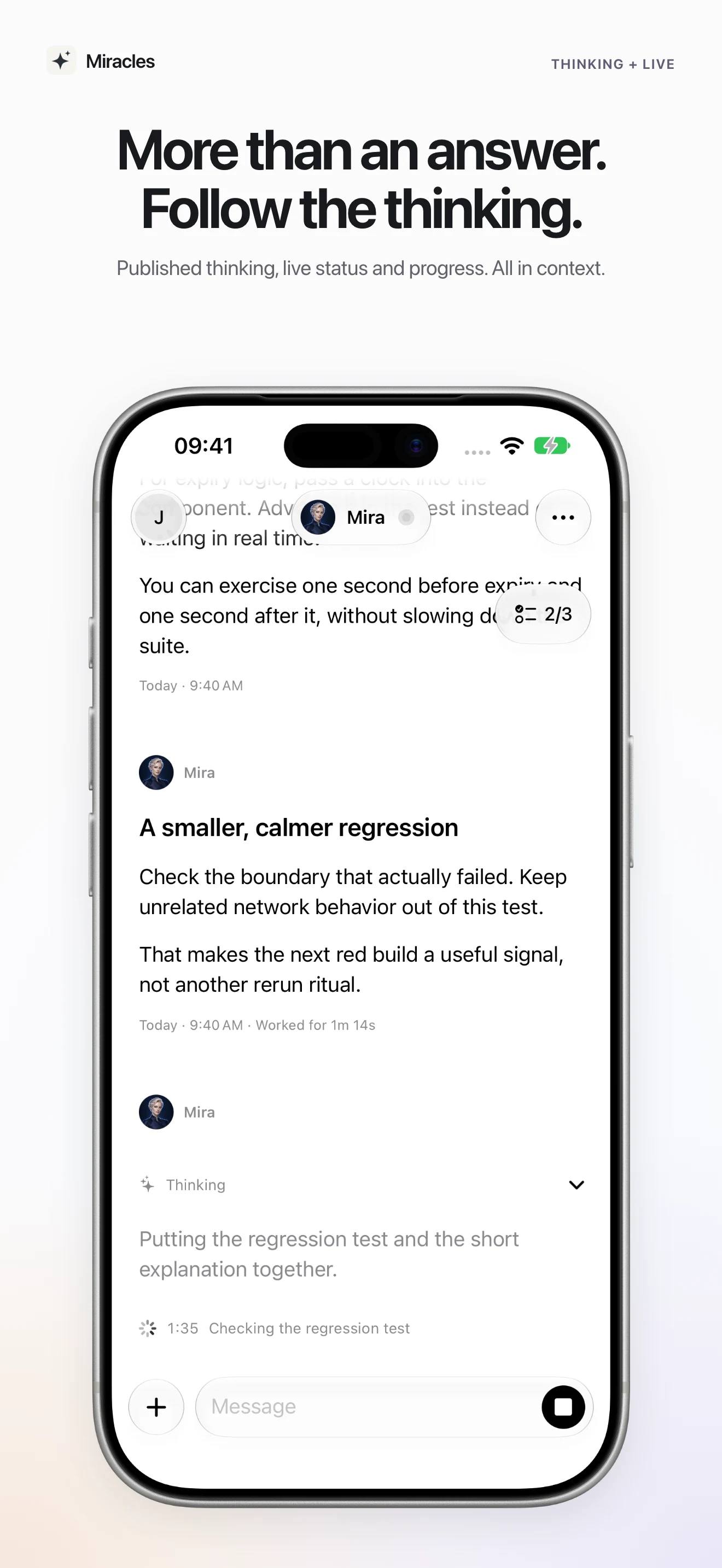
Stay close to the work.
Read live content and follow current progress.
08 / 10
The details belong together.
Native presentation of text, code and media.
09 / 10
Your data. Informed choices.
Understand your gateway, providers and optional sharing.
10 / 10
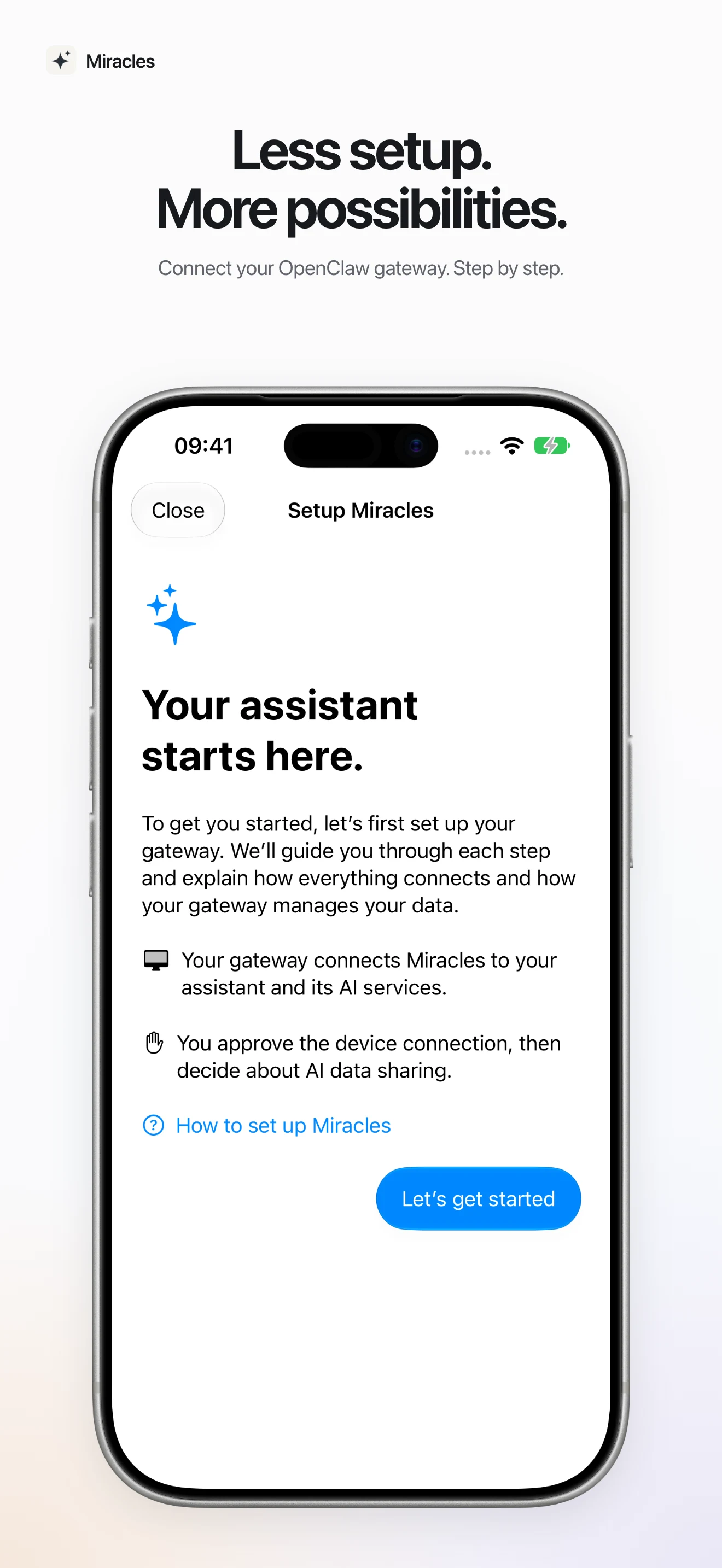
A good start.
Guided setup with your own OpenClaw gateway.
MIRACLES / IPHONE
Away from your desk. Close to your OpenClaw.
Capture an idea, answer a question or follow work in progress. Your own assistant is a conversation away.
01
Stay in the conversation.
Answers arrive live. Read at your own pace, then use Snap to Live or Snap to Latest to return to the current moment.
02
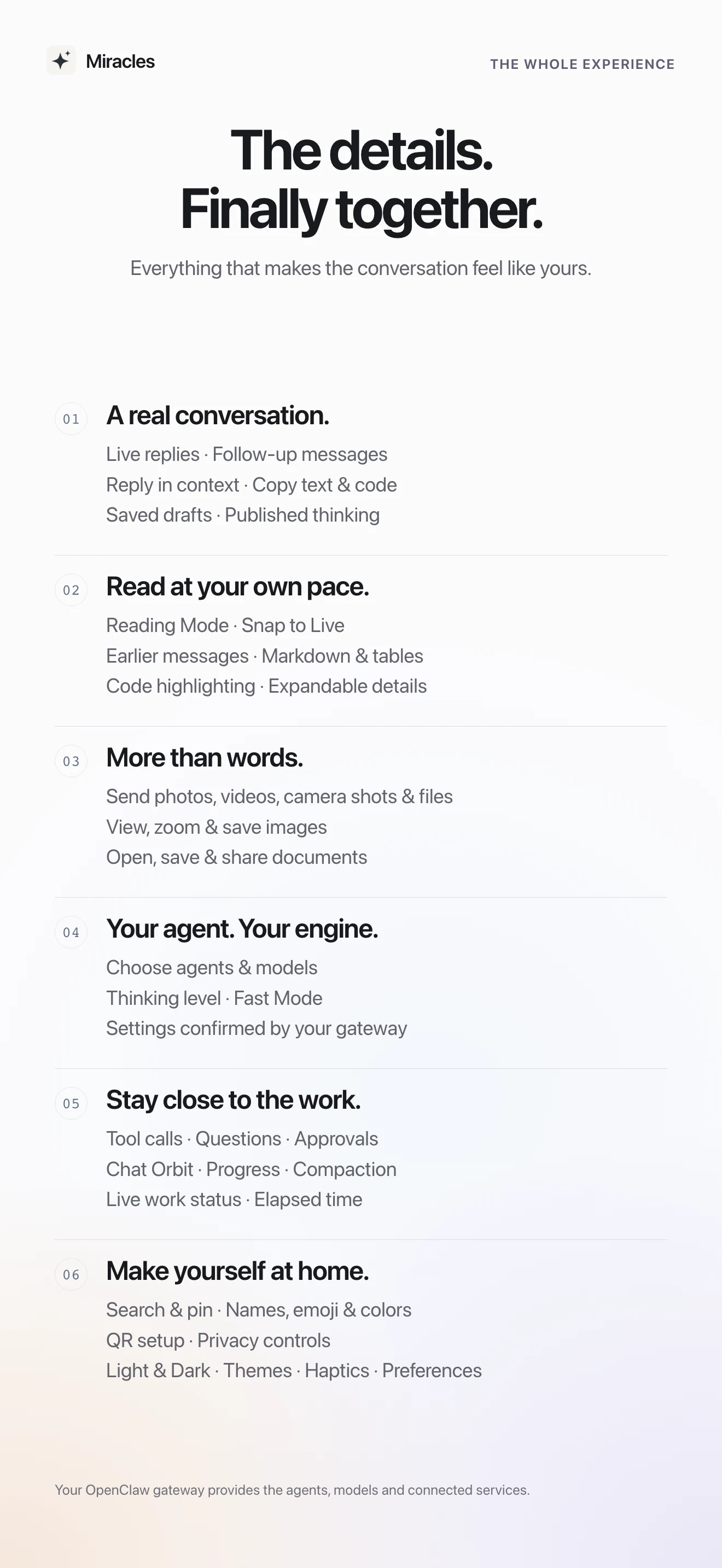
A home for your thoughts.
Find, pin and organise conversations with colours and symbols. Your text drafts stay with you when you leave the app.
03
Beyond plain text.
Share photos and files, reply to a specific message and preview documents. With native text selection, copying and sharing.
04
Answer questions. Follow the work.
Use Chat Orbit to follow progress, answer questions and review requested actions. Available features come from your gateway.
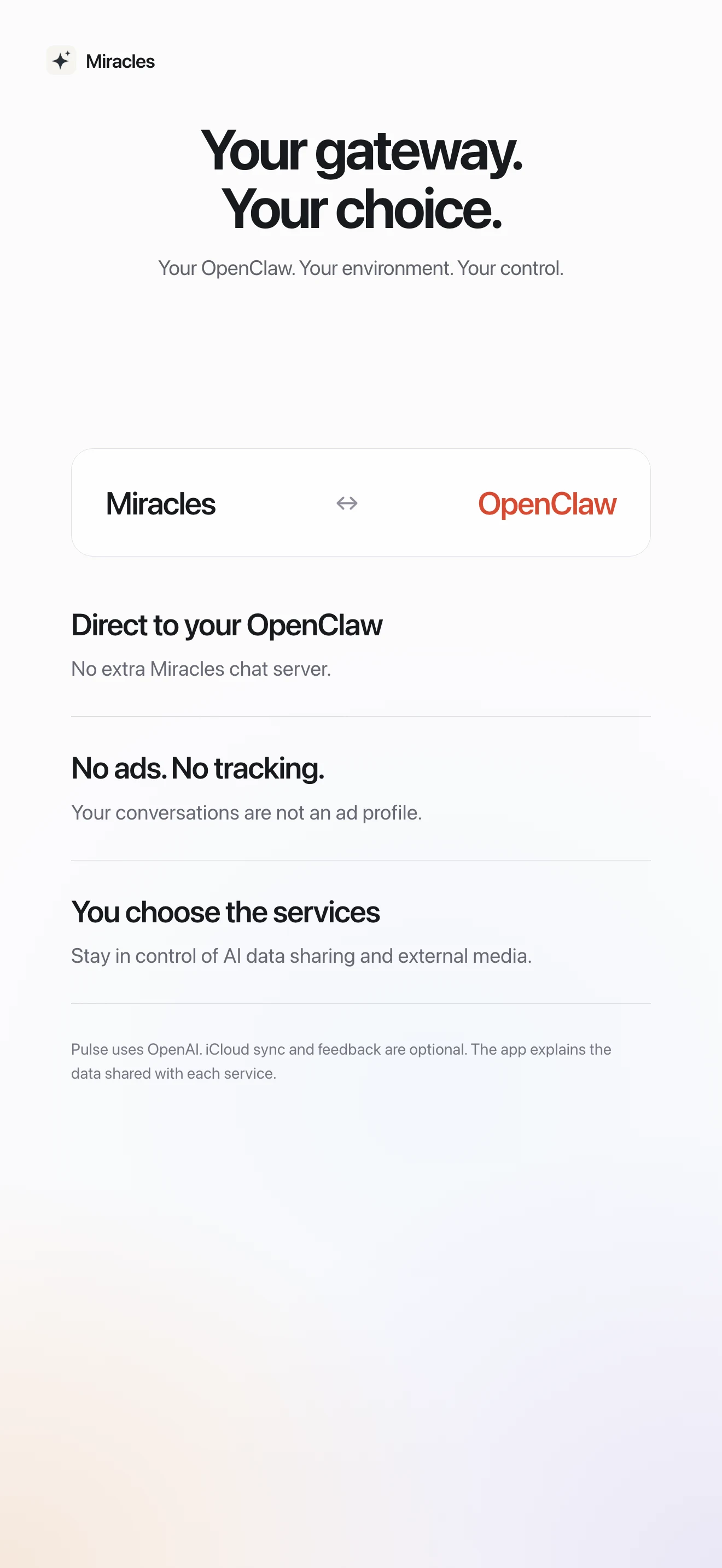
Miracles connects directly to the OpenClaw gateway you choose. Your agents, models and integrations come from there. No extra Miracles account required.
✦Miracles
⌘Your OpenClaw gateway
↗Your models & tools
Your gateway processes your messages and may forward them to the AI and tool providers you configure. External media may load directly from the image or file provider.
Tailscale is our recommendation, not a requirement. Miracles connects to your OpenClaw gateway over HTTPS/WSS — using the network route that works for you.
Private · at home and away
Keep your gateway private.
Our recommended starting point for a personal setup: Tailscale connects your iPhone or iPad and gateway computer in a private network. The devices do not need to be on the same Wi-Fi — it works when you are away too. Tailscale Serve provides the secure gateway address — without router port forwarding or a publicly exposed gateway.
Install Tailscale on your iPhone or iPad and on the computer running OpenClaw. Connect both devices to the same private Tailscale network (a “tailnet”); its access rules must allow the connection.
Tailscale Serve with a valid HTTPS address pointing to the correct gateway port. The gateway can stay bound to loopback.
Keep Tailscale connected on your mobile device while using this private route — even on the same Wi-Fi as the gateway computer. Miracles does not install or activate Tailscale for you. The Personal plan is intended for personal use; business use has separate terms.
A publicly reachable gateway can be used without Tailscale. A properly configured reverse proxy or Cloudflare Tunnel provides its HTTPS/WSS address. This requires a deliberately secured gateway deployment.
What you need
A valid TLS certificate and WebSocket support all the way to the gateway.
Keep gateway authentication and device pairing enabled; no anonymous access. Configure proxy trust using your installed OpenClaw documentation.
The address must be directly reachable by the native client: no browser sign-in gate or additional Access service-token headers.
Another VPN can provide the network route too, such as an existing WireGuard setup. Miracles uses the reachable gateway address, not a specific VPN app.
What you need
Your iPhone VPN must provide DNS and routing to the gateway, with firewall rules that permit access.
You still need HTTPS/WSS with a certificate trusted by your iPhone and matching the hostname, in addition to the VPN.
Gateway authentication and device approval remain necessary. Your particular VPN configuration needs its own verification.
You can use Miracles on the same local network without Tailscale or another VPN if a separate, secure HTTPS/WSS endpoint for the gateway has been set up there. Being on the same Wi-Fi alone is not enough and does not replace a Tailscale connection to a private Tailscale Serve address. Outside that network you will need one of the other routes.
What you need
Your iPhone and gateway must be able to reach each other. Allow local network access in iOS if prompted.
An HTTPS/WSS address with a valid certificate trusted by your iPhone; unencrypted WS is rejected on a LAN too.
A gateway bound only to localhost cannot be reached directly from iPhone. Use a suitably restricted TLS proxy or a deliberately configured network binding — with authentication.
Your gateway must be reachable from your iPhone and speak the OpenClaw protocol supported by Miracles. Its address needs a valid TLS certificate trusted by your device. HTTPS is used as WSS; unencrypted HTTP/WS is not accepted. A VPN does not replace this TLS connection.
WHY MIRACLES?
Your own assistant should feel that way.
I use OpenClaw every day. Miracles grew from wanting to continue those conversations naturally on my iPhone: less technical interface, more room for whatever is on my mind. Built by me, Noel, for the conversations I want to have.
Download Miracles free from the App Store and connect your own OpenClaw gateway. Explore more possibilities with optional Pro and Pulse. Hosting and AI usage are not included.
Availability
Now on the App Store
Devices
iPhone & iPad · iOS / iPadOS 26+
Required
Your own OpenClaw gateway & model access
The base app is free. Pro and Pulse are optional purchases. Gateway hosting, AI usage and network services are separate and may incur costs.
 Miracles